Digital Printing & Finishing Equipment

Corrugated, Envelope & Specialty Printing

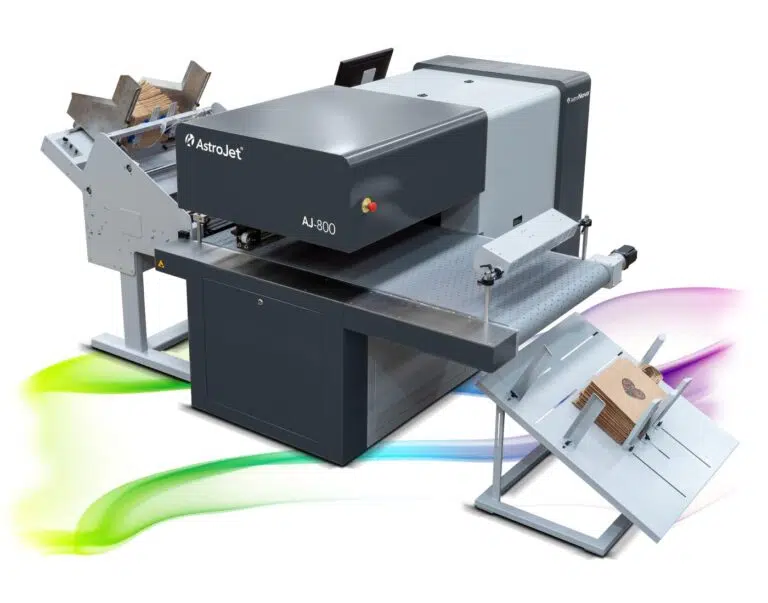
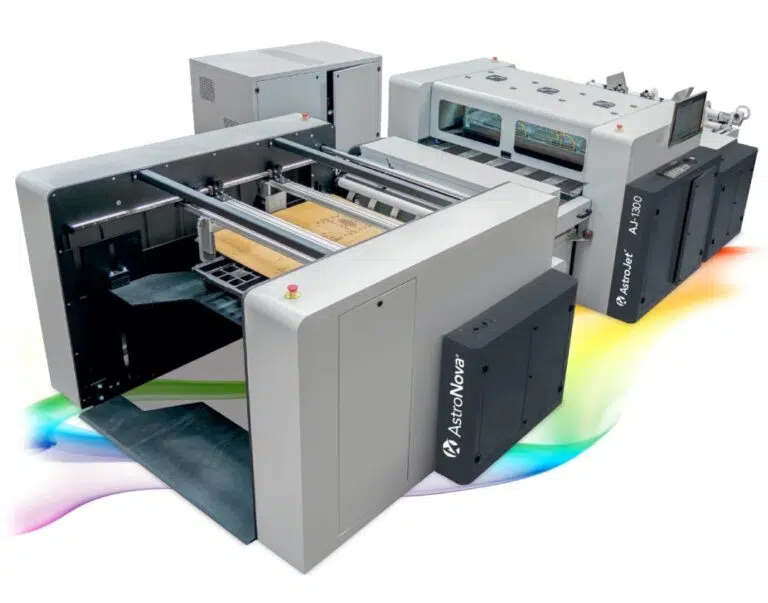
Print full-color graphics, variable content, branding, and short-run designs directly onto corrugated sheets, boxes, envelopes, bags, cartons, and other compatible flat or semi-flexible materials.

These systems support direct-to-package and specialty-printing applications where media size, thickness, surface, print area, and product handling differ from traditional sheet printing.

Explore Digital Printing & Finishing Solutions

Explore Direct-to-Package Printing Equipment

The systems below cover tabletop through extended-width direct-to-package printing for packaging and specialty flat materials.

AstroNova

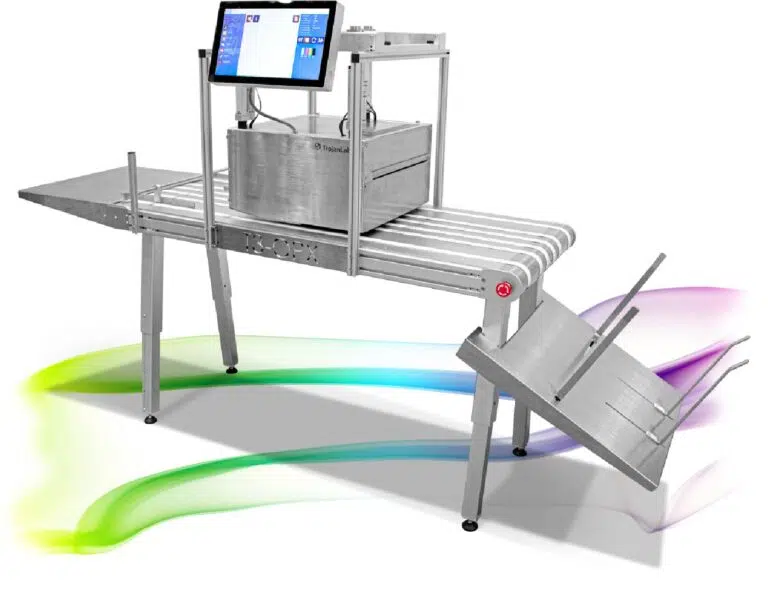
AstroNova direct-to-package printers range from compact tabletop systems to extended-width industrial platforms for corrugated production.

Also Relevant for Envelopes and Specialty Media

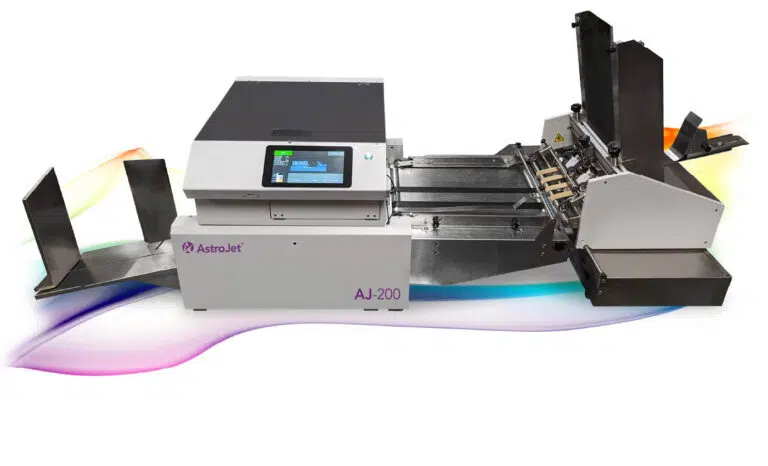
The following production color printers also handle envelope and specialty-media applications. Full details for each system are maintained on the Production Color Printers page.

What Determines the Right Specialty Printing System?

Specialty printing decisions depend heavily on the physical product being printed.

Material Type and Surface

Identify whether the surface is porous kraft, coated board, poly-lined, or laminated, since surface behavior affects ink choice, dry time, and finished appearance.

Product Width, Length, and Thickness

Define the full range of product dimensions, including the thickest and most rigid items, and note whether any product is partially assembled or uneven.

Required Print Width and Coverage

Determine how much of the surface must be printed. A single logo and a full-coverage design place very different demands on print width and ink usage.

Production Volume and Feeding Method

Review monthly volume, run length, and whether product will be hand-fed, stack-fed, or delivered by a conveyor or feeding system.

Ink Durability and Finished Application

Clarify how the printed piece will be handled, stored, shipped, or displayed, and whether the print must resist scuffing, moisture, or extended handling.

Related Equipment Pathways

Production Color Printers

Complete color printing systems with integrated feeding, transport, and output handling for envelopes, sheets, and mailpieces.

Explore Production Color Printers

Print & Mail Equipment

Feeders, folders, inserters, addressing systems, tabbers, and verification equipment used around printed mailpieces.

Explore Print & Mail Equipment

Packaging Automation

Forming, filling, packing, sealing, wrapping, strapping, and palletizing equipment for packaged product.

Explore Packaging Automation

Integrated Systems

Connect printing with feeding, transport, inspection, and packaging equipment as a coordinated workflow.

Explore Integrated Systems

Related Solution

Digital Printing & Finishing Solutions

Explore how artwork, variable data, printing technology, media handling, finishing, inspection, and downstream workflow requirements come together around the completed printed application.

Integrated Systems

Connect printing equipment with feeders, transports, finishing, inspection, mail systems, packaging equipment, and production controls.

Explore Integrated Systems

Service & Support

Request installation, training, preventive maintenance, troubleshooting, and repair support for eligible printing and finishing equipment.

Explore Service & Support

Frequently Asked Questions

What materials can direct-to-package printers handle?

Supported materials vary by system and may include corrugated sheets, finished boxes, envelopes, padded mailers, paper bags, folding cartons, postcards, chipboard, and other compatible flat or semi-flexible media. Thickness, surface, rigidity, and dimensions should be confirmed against a specific model.

Can these systems print variable data?

Many direct-to-package systems support variable content such as text, numbering, barcodes, and versioned graphics alongside static artwork. The extent of the variable content and the required print area influence which configuration is appropriate.

What is the difference between direct package printing and labeling?

Direct printing places the image onto the package itself, so there is no label to buy, store, or apply. Labeling prints a separate label that is then applied to the product or case. Direct printing removes a consumable and an application step, while labeling can offer different material and durability options.

What application information does ATP need?

Useful details include the material and surface, product width, length, and thickness, the required print area and coverage, monthly volume, how product will be fed and collected, and what the printed piece must withstand after it leaves the printer.
Discuss Your Specialty Printing Application

Share the material and product details and ATP can help identify an appropriate direct-to-package printing configuration.

  • What you need to print
  • The material
  • Product or media dimensions
  • Production volume
  • Variable-data requirements
  • Existing equipment
  • Required downstream process