Equipment Category

Print & Mail Equipment

Equipment for feeding, folding, inserting, addressing, tabbing, sorting, and verifying production mail workflows.

Explore Addressing & Mail Production Solutions
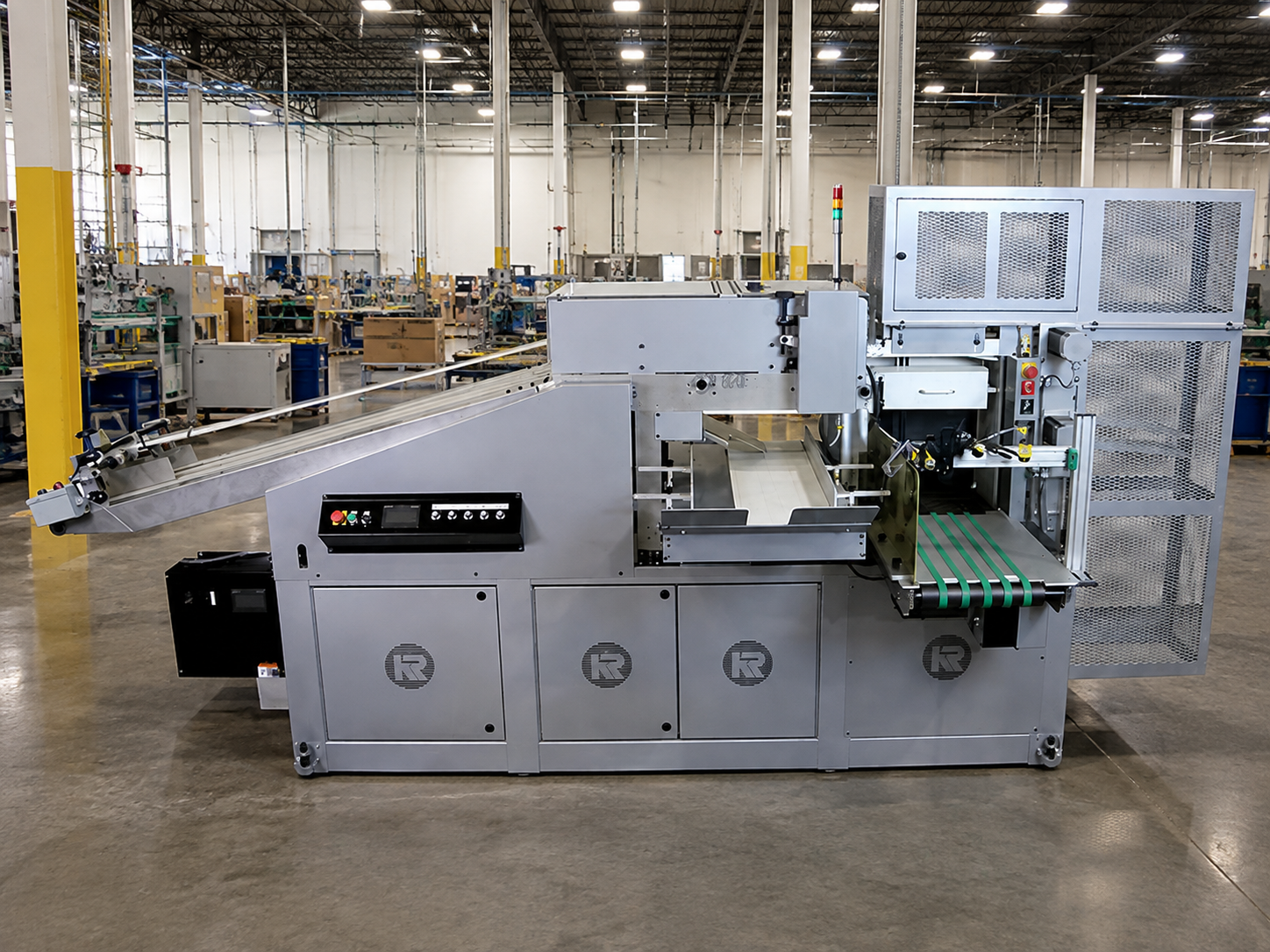
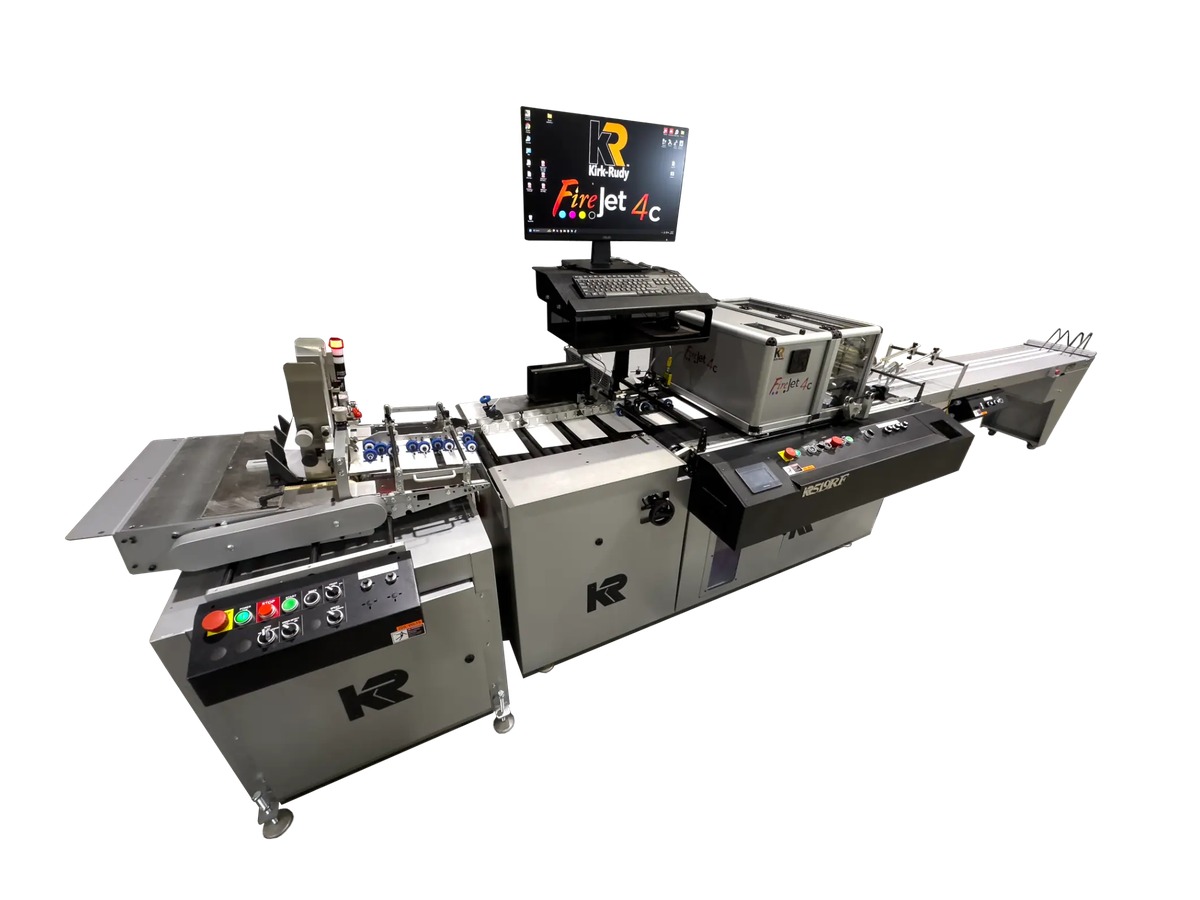
Kirk-Rudy FireJet 4C inkjet addressing system on a production mail line

What Is Print & Mail Equipment?

Print and mail equipment automates the production steps used to prepare printed pieces for mailing. Depending on the application, a workflow may feed documents or mailpieces, fold and collate materials, insert them into envelopes, print addresses and barcodes, apply tabs or stamps, verify assembly, sort completed pieces, and organize output.

The appropriate equipment depends on the mailpiece, production volume, number of inserts, addressing requirements, job variety, integrity controls, available space, and existing workflow.

Explore Print & Mail Equipment Types

Each stage of mail production serves a different purpose. Explore the equipment types below to find the area most relevant to your operation.

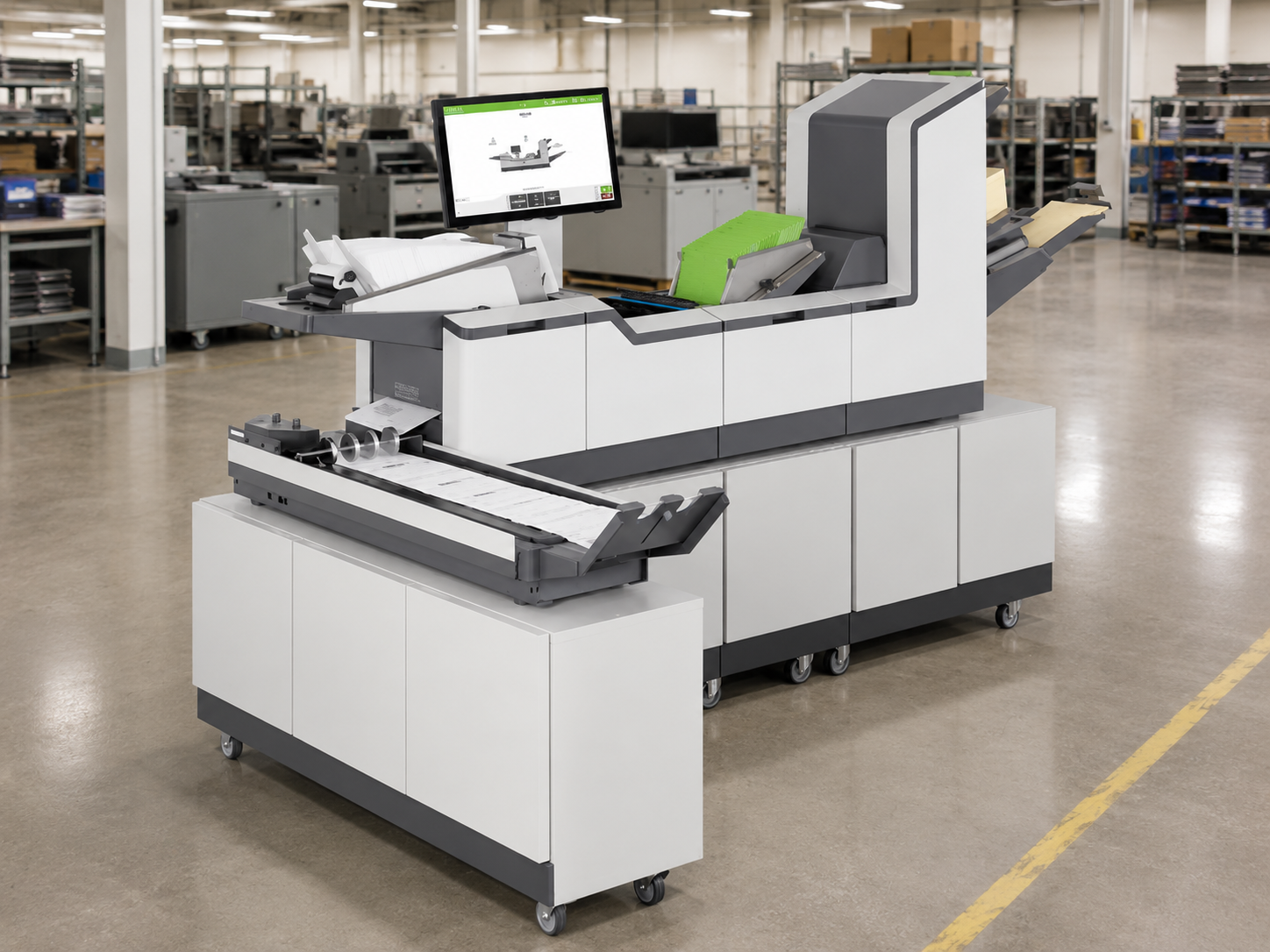
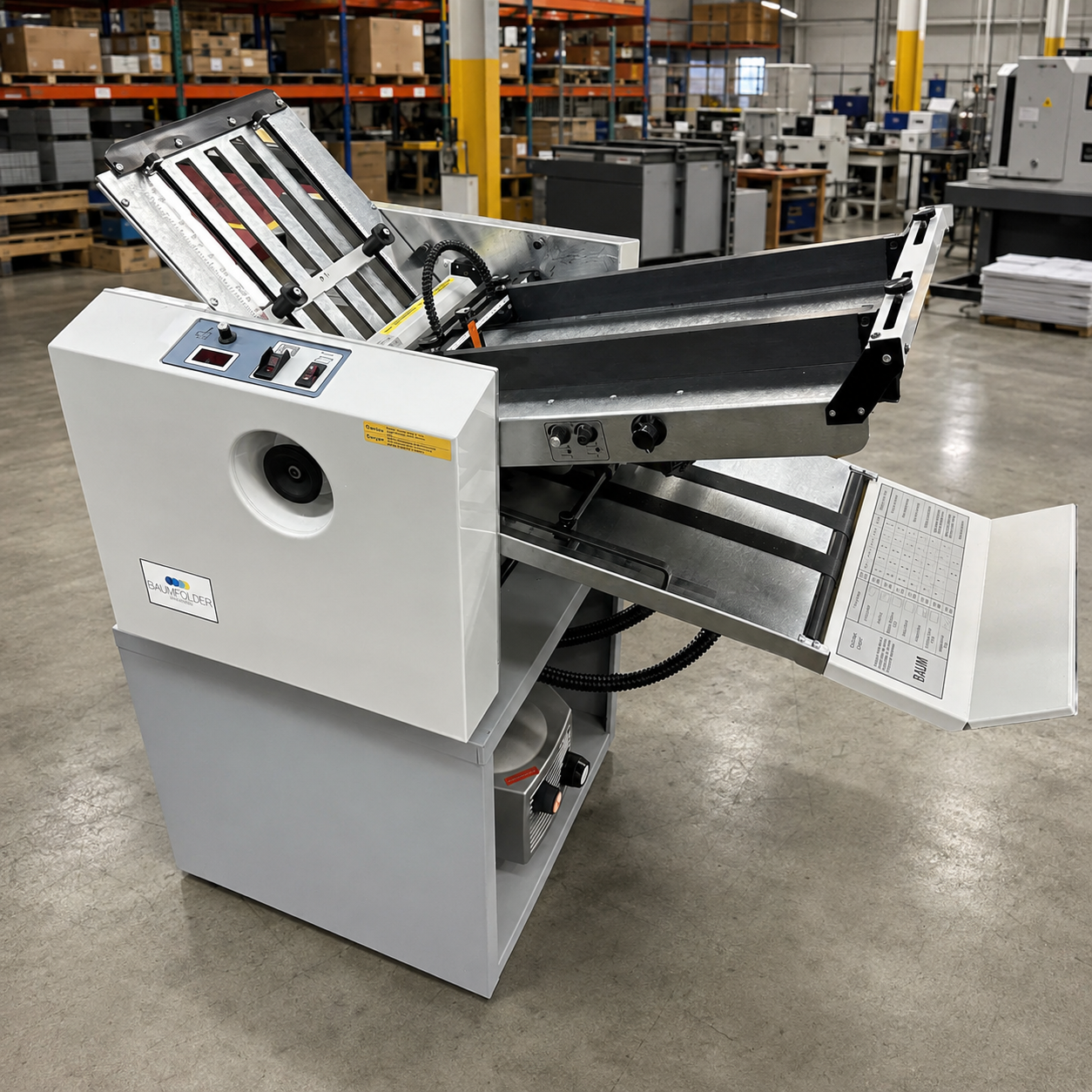
Feeders & Folders

Introduce sheets, envelopes, cards, booklets, and other materials into production, then fold documents into the format required for inserting, mailing, or another downstream process.

Available configurations may support standalone operation or connection with inserters, addressing systems, and other production equipment.

Explore Feeders & Folders

Mail Inserters

Automate the assembly of documents, inserts, reply envelopes, cards, and other components into finished mailpieces.

Systems may range from straightforward folder inserters to modular production mail inserters designed for larger volumes, additional feeders, and more complex document sets.

Explore Mail Inserters

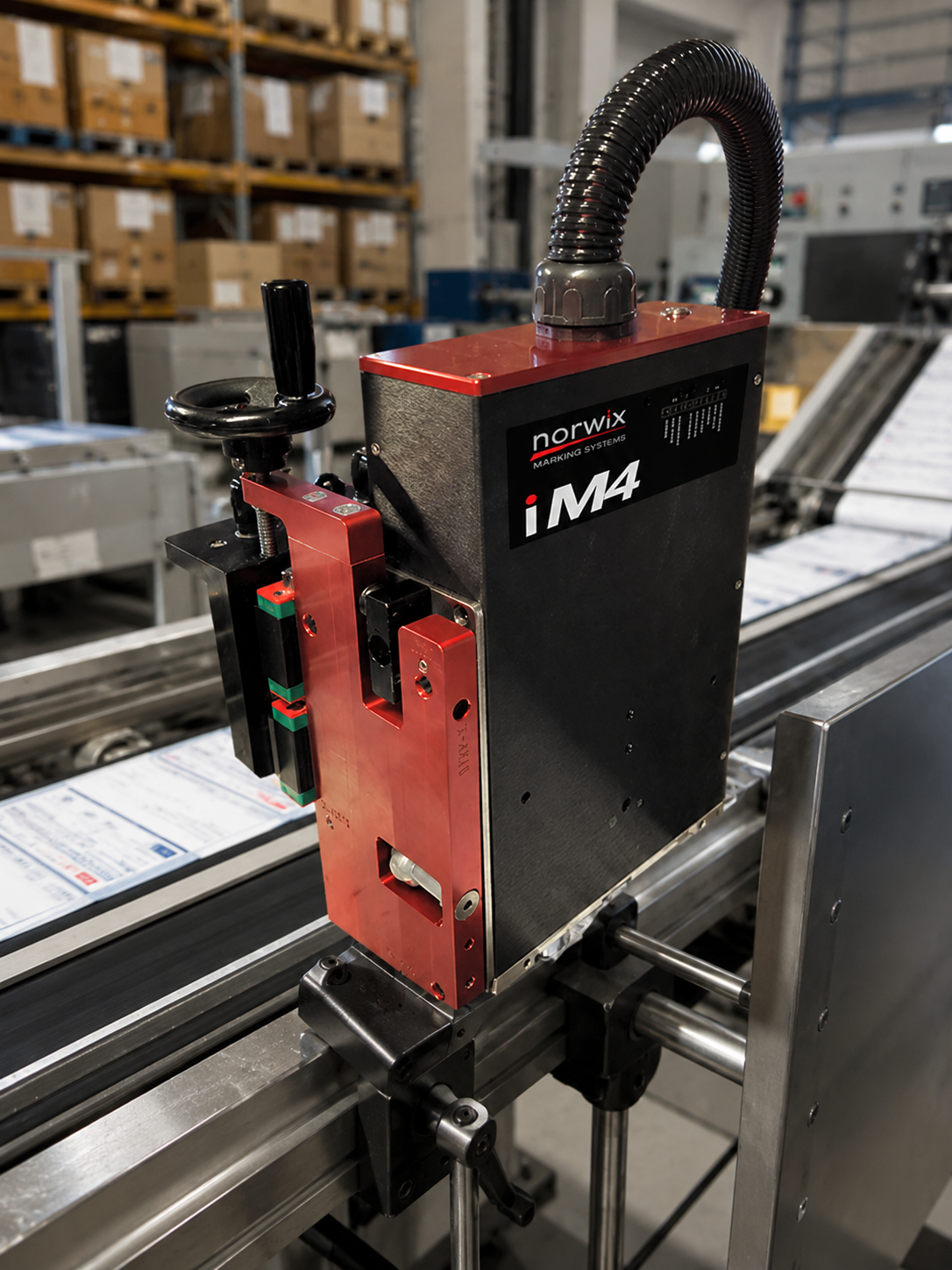
Addressing Systems

Print addresses, barcodes, messages, graphics, and other variable information directly onto envelopes, postcards, self-mailers, and additional supported mailpiece formats.

Equipment selection depends on mailpiece dimensions, print area, surface, data requirements, production speed, and surrounding transport equipment.

Explore Addressing Systems

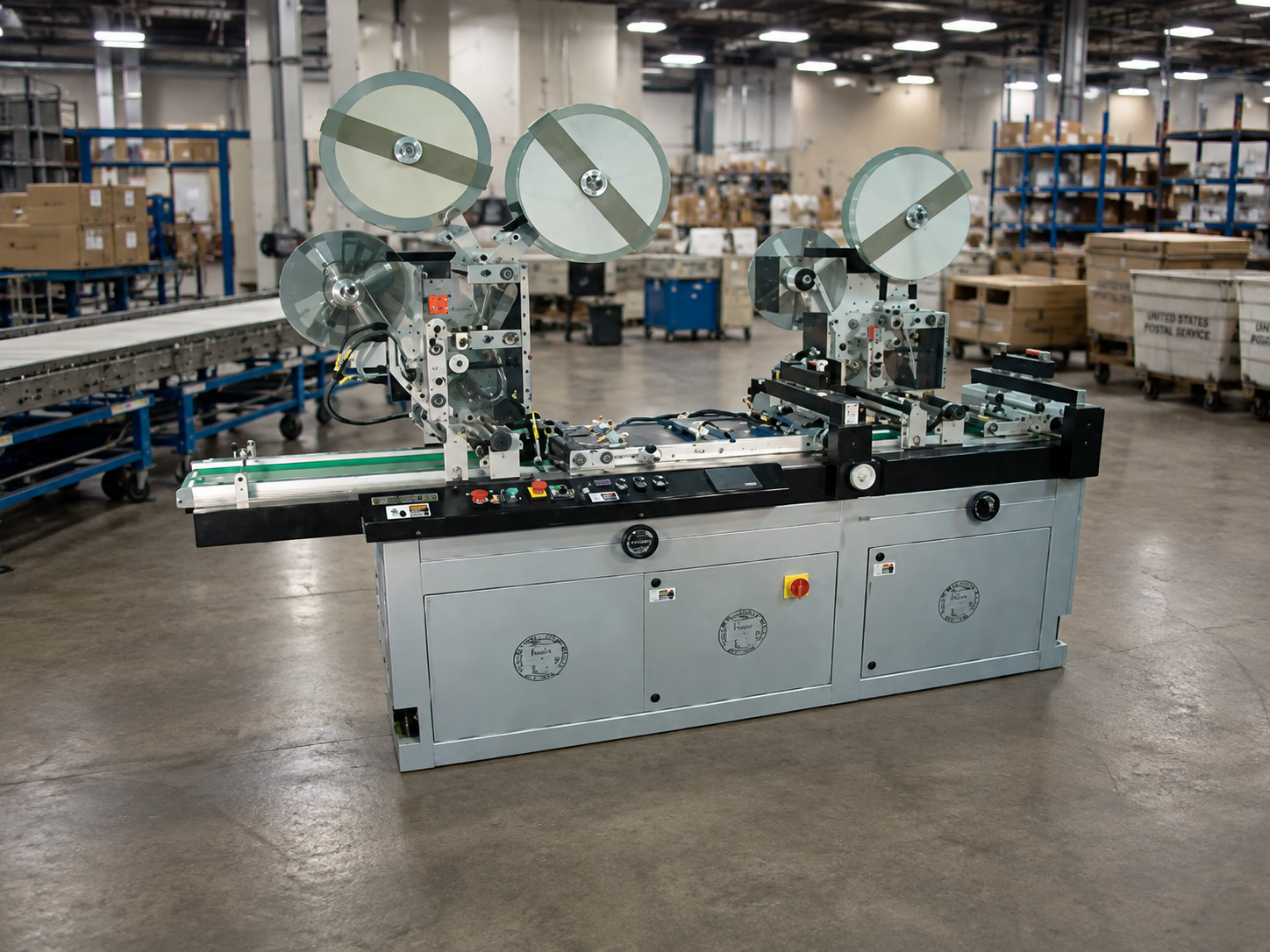
Tabbers & Stamp Affixers

Prepare eligible mailpieces for the next production or mailing stage by applying tabs, seals, or stamps in a controlled process.

The correct configuration depends on the mailpiece format, application location, production speed, material, and required number of tabs or stamps.

Explore Tabbers & Stamp Affixers

What Determines the Right Print & Mail Equipment?

Equipment should be selected around the jobs being produced, not simply the highest advertised machine speed.

Mailpiece and Document Formats

Evaluate envelope sizes, sheets, cards, booklets, self-mailers, flats, material thicknesses, and the number of components required in each finished piece.

Production Volume and Job Mix

Review average volume, peak production, recurring jobs, turnaround expectations, and how often operators change between formats or applications.

Addressing and Verification Requirements

Determine whether the workflow requires variable addressing, barcodes, personalized information, document matching, camera verification, sorting, or job tracking.

Existing Workflow and Available Space

Review current printers, feeders, inserters, conveyors, software processes, operator responsibilities, floor space, material staging, and output handling.

ATP uses this information to help identify whether the application requires a standalone machine, an equipment upgrade, or several connected production stages.

Discuss Your Print & Mail Application

Print & Mail Equipment Manufacturers

Explore approved equipment manufacturers supporting feeding, folding, inserting, addressing, tabbing, verification, sorting, and production mail applications.

  • Formax logo
    Formax
  • Kirk-Rudy logo
    Kirk-Rudy
  • Baumfolder Solutions logo
    Baumfolder Solutions
  • xiJet logo
    xiJet
  • Walco Systems logo
    Walco Systems
  • Straight Shooter logo
    Straight Shooter

Related Solution

Addressing & Mail Production

Explore how feeding, folding, inserting, addressing, tabbing, sorting, verification, and output handling work together across a complete production mail workflow.

Need Help Beyond Equipment Selection?

Integrated Systems

Connect print and mail equipment with digital printing, verification, conveyors, material handling, production data, and other technologies.

Explore Integrated Systems

Service & Support

Find installation, training, preventive maintenance, troubleshooting, and repair support for eligible print and mail equipment.

Explore Service & Support

Print & Mail Equipment FAQs

What types of print and mail equipment does ATP provide?

ATP provides equipment across feeding, folding, inserting, addressing, tabbing, stamp affixing, sorting, verification, and output handling. Available equipment and support depend on the application, manufacturer, model, and project requirements.

What is the difference between a folder inserter and a production mail inserter?

A folder inserter generally folds documents and inserts them into envelopes for straightforward mailing applications. Production mail inserters are typically designed for larger volumes, additional feeders, more complex document sets, advanced integrity controls, or connected production processes.

Can addressing or verification equipment be added to an existing mail line?

In many applications, addressing, barcode reading, camera verification, conveyors, or output equipment may be added to an existing workflow. Compatibility depends on mailpiece dimensions, line speed, controls, available space, and the equipment already in place.

What information does ATP need to recommend print and mail equipment?

Helpful information includes mailpiece samples, envelope sizes, document and insert counts, production volume, required speed, addressing needs, verification requirements, current equipment, available floor space, and photographs or video of the existing process.
Find the Right Equipment for Your Mail Operation

Tell ATP Equipment Solutions about your mailpieces, production volume, job mix, current equipment, and workflow requirements.