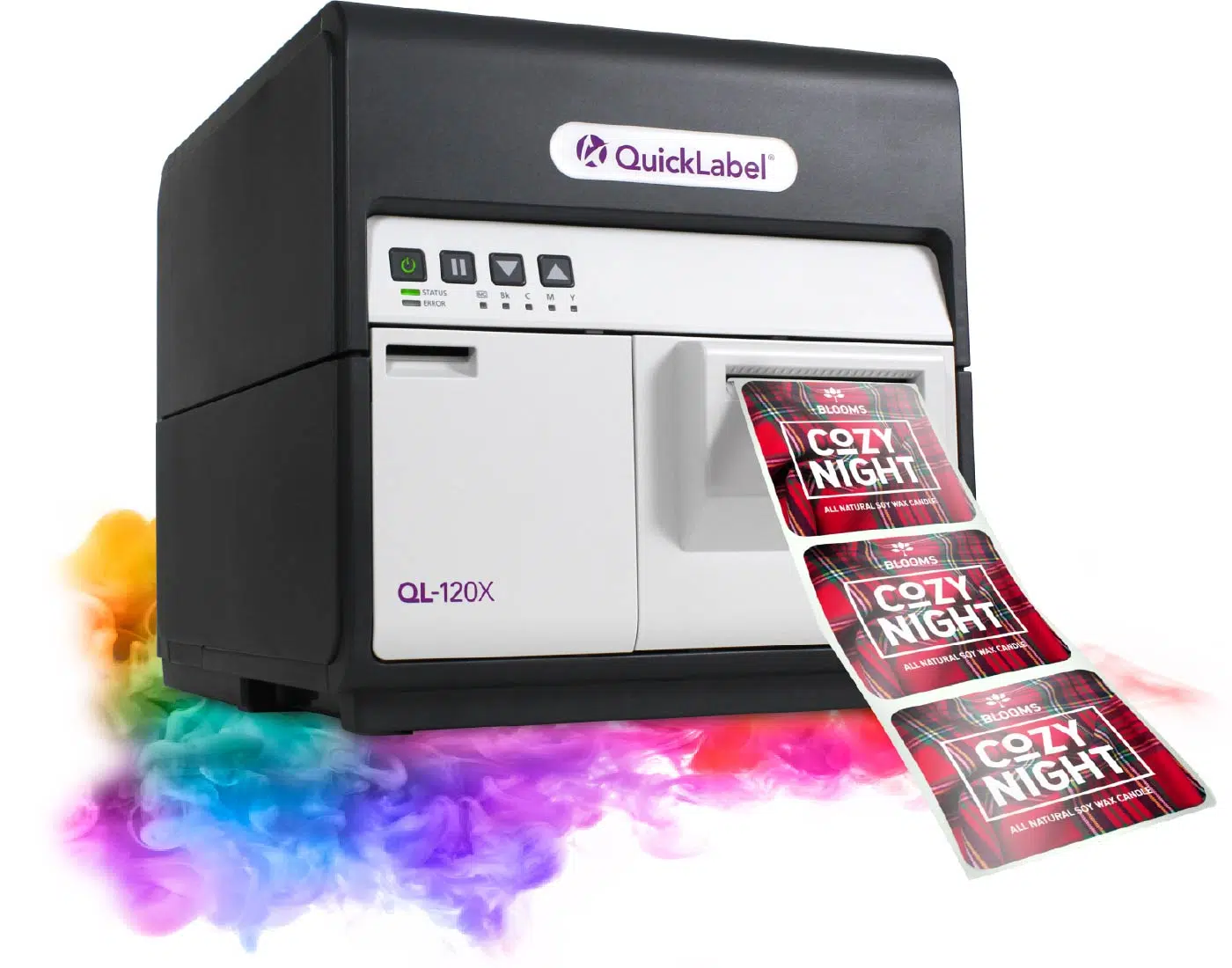
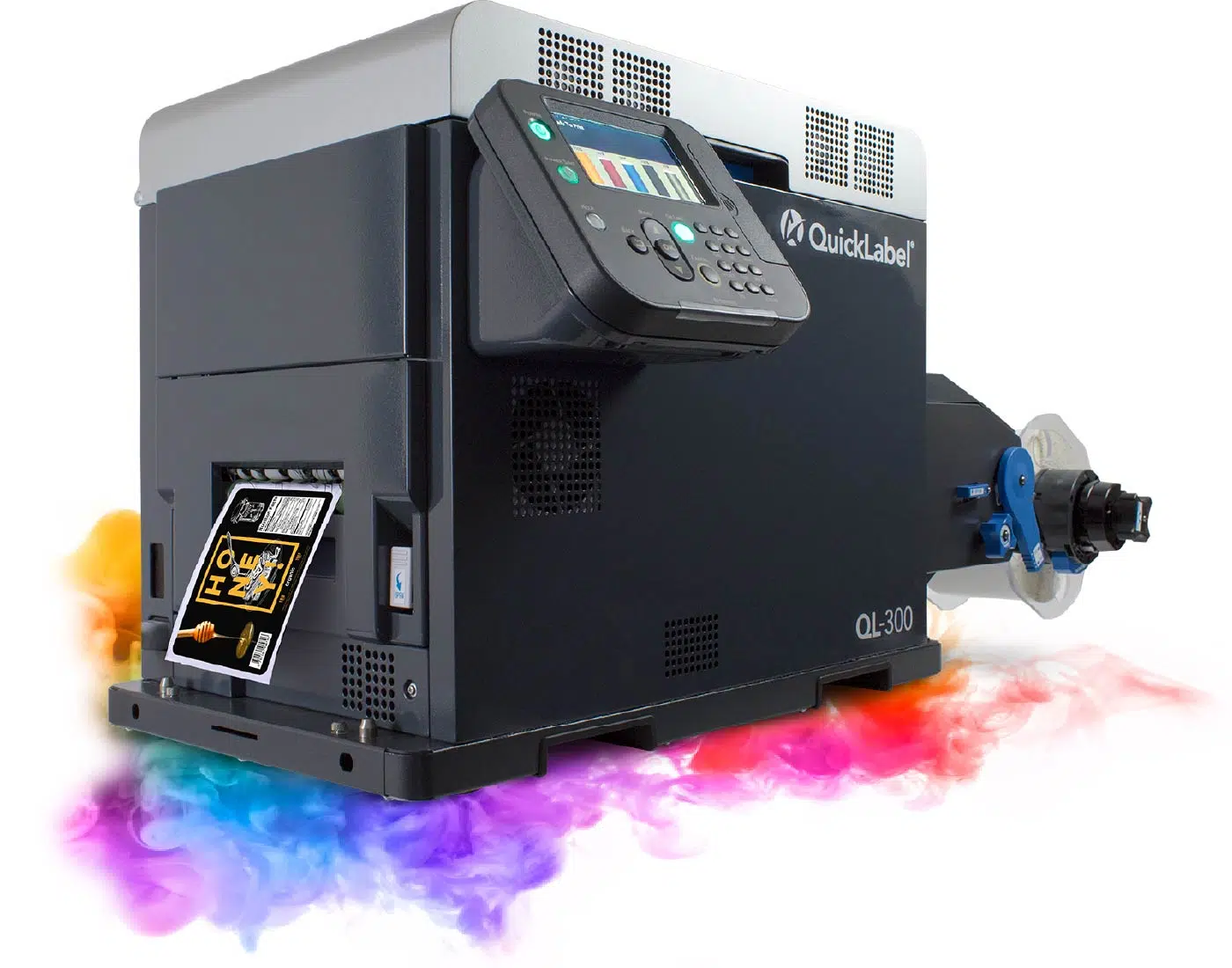
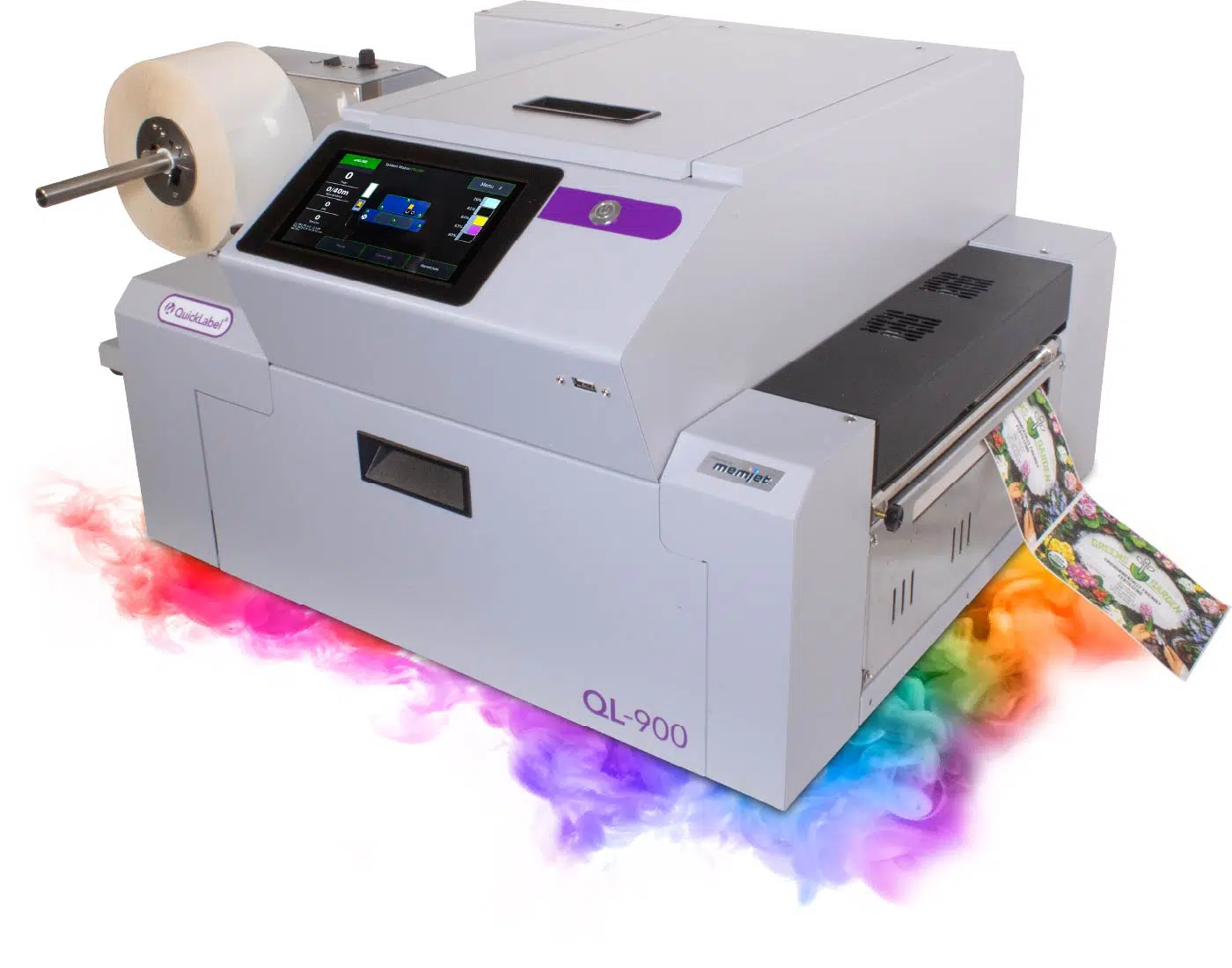
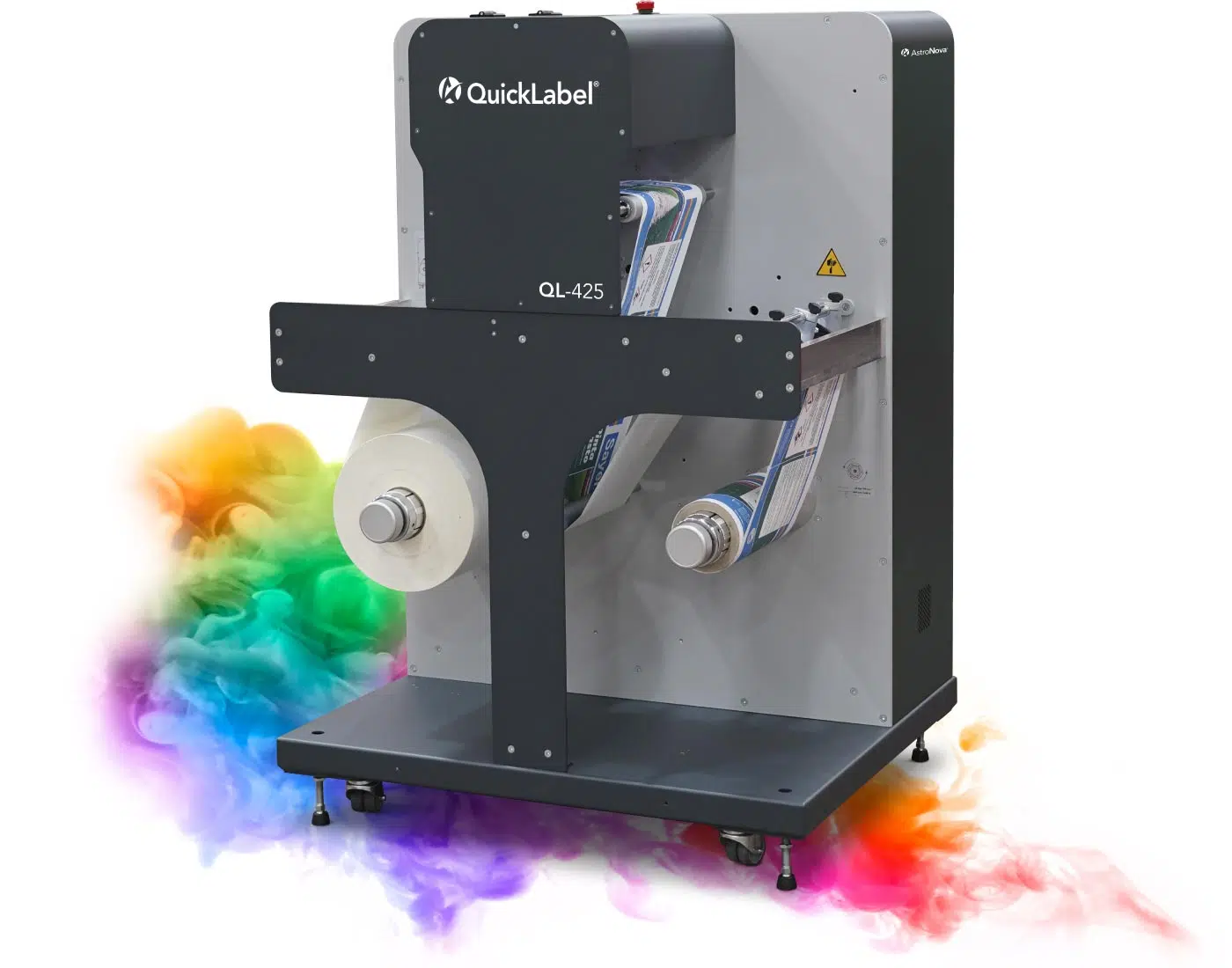
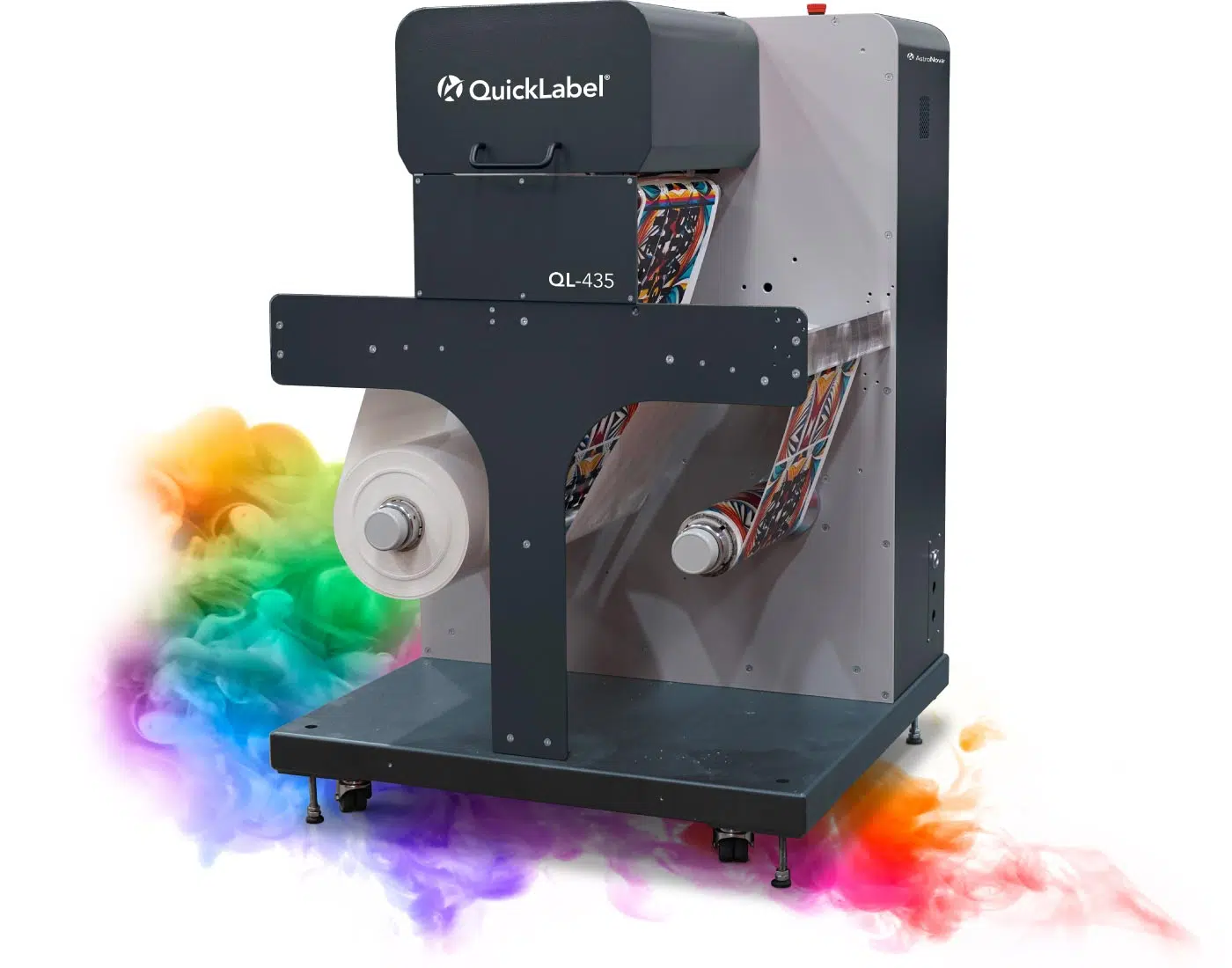
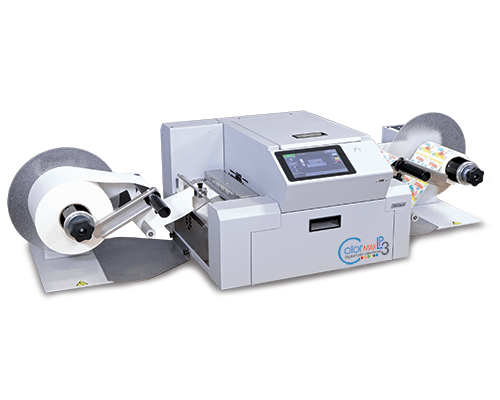
Produce short-run, variable, full-color, durable, and high-volume labels with digital printing systems selected around label width, material, print volume, image requirements, and finishing workflow.
Digital label printers create the printed label. Applying that label to a product, case, or pallet is handled through separate Labeling & Print-and-Apply Equipment.
Reviewing these five areas usually points to a narrow group of appropriate systems.
Label Width and Finished Size
Define the widest label required and the finished label dimensions, including any bleed. Label width is often the first constraint that removes systems from consideration.
Face Stock and Label Material
Identify the material, finish, and adhesive being used, along with whether clear, synthetic, or specialty stocks are required for any part of the product range.
Run Length and Weekly Volume
Review typical run length, the number of SKUs or versions, changeover frequency, and total weekly or monthly label volume rather than peak-day output alone.
Color, White, and Durability Requirements
Clarify color expectations, whether white printing is needed on clear or metallic stock, and what the finished label must withstand in handling, storage, or end use.
Roll Handling, Cutting, and Finishing
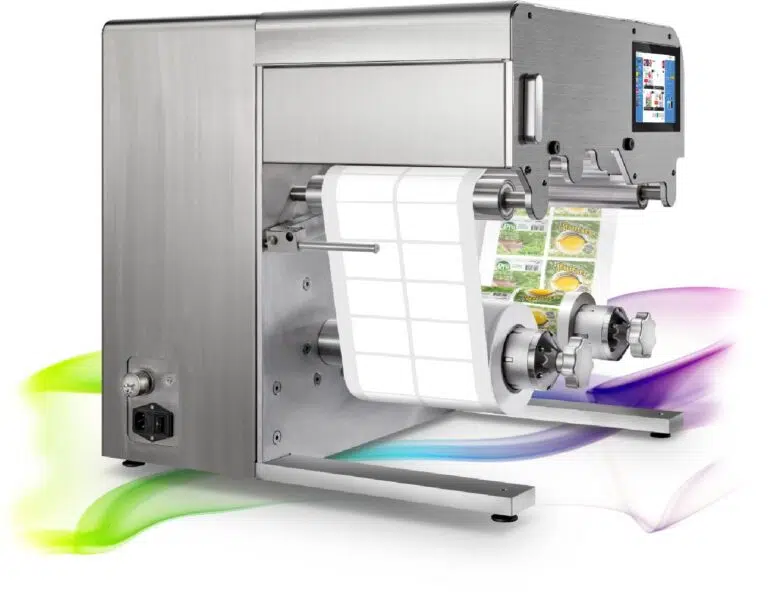
Determine whether labels must be die-cut, laminated, slit, matrix-stripped, or rewound, and how the finished roll needs to be presented to an applicator or operator.
Related Equipment Pathways
Need to apply labels automatically?
Label applicators, print-and-apply systems, case labelers, and pallet labelers apply the printed label to the product, case, or load.
Explore how artwork, variable data, printing technology, media handling, finishing, inspection, and downstream workflow requirements come together around the completed printed application.
A digital label printer produces printed labels directly from electronic artwork and production data, without conventional printing plates. That makes short runs, frequent versions, and variable content practical to produce on demand.
What is the difference between inkjet and toner label printing?+
Inkjet systems place ink directly onto the label material and are widely used for color graphics and variable content. Toner-based systems fuse dry toner to the surface and are often selected when a specific durability profile or a white printing option is required. The right choice depends on the face stock, the finished environment, and the image requirements.
Does a digital label printer apply the label?+
No. A digital label printer produces the printed label. Applying that label to a product, case, or pallet is handled by separate labeling and print-and-apply equipment, which can be selected around the product, line speed, and label placement.
What information does ATP need to recommend a label printer?+
Helpful details include label width and finished size, face stock and adhesive, the number of SKUs or versions, typical run length, weekly or monthly volume, color and durability expectations, and how finished rolls need to be cut, wound, or presented for application.
Find the Right Digital Label Printer
Share the details of your label program and ATP can help match it with an appropriate printing and finishing configuration.