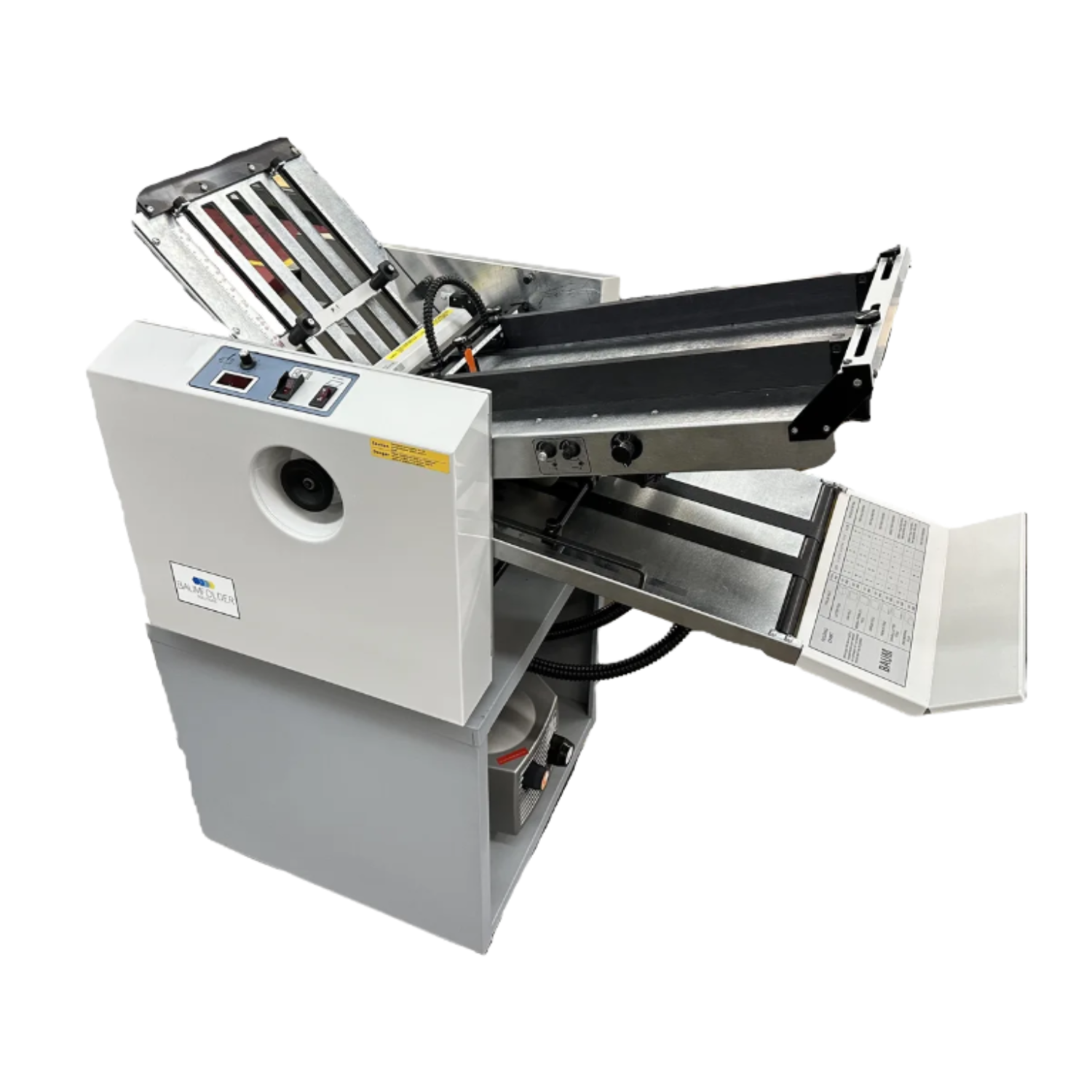
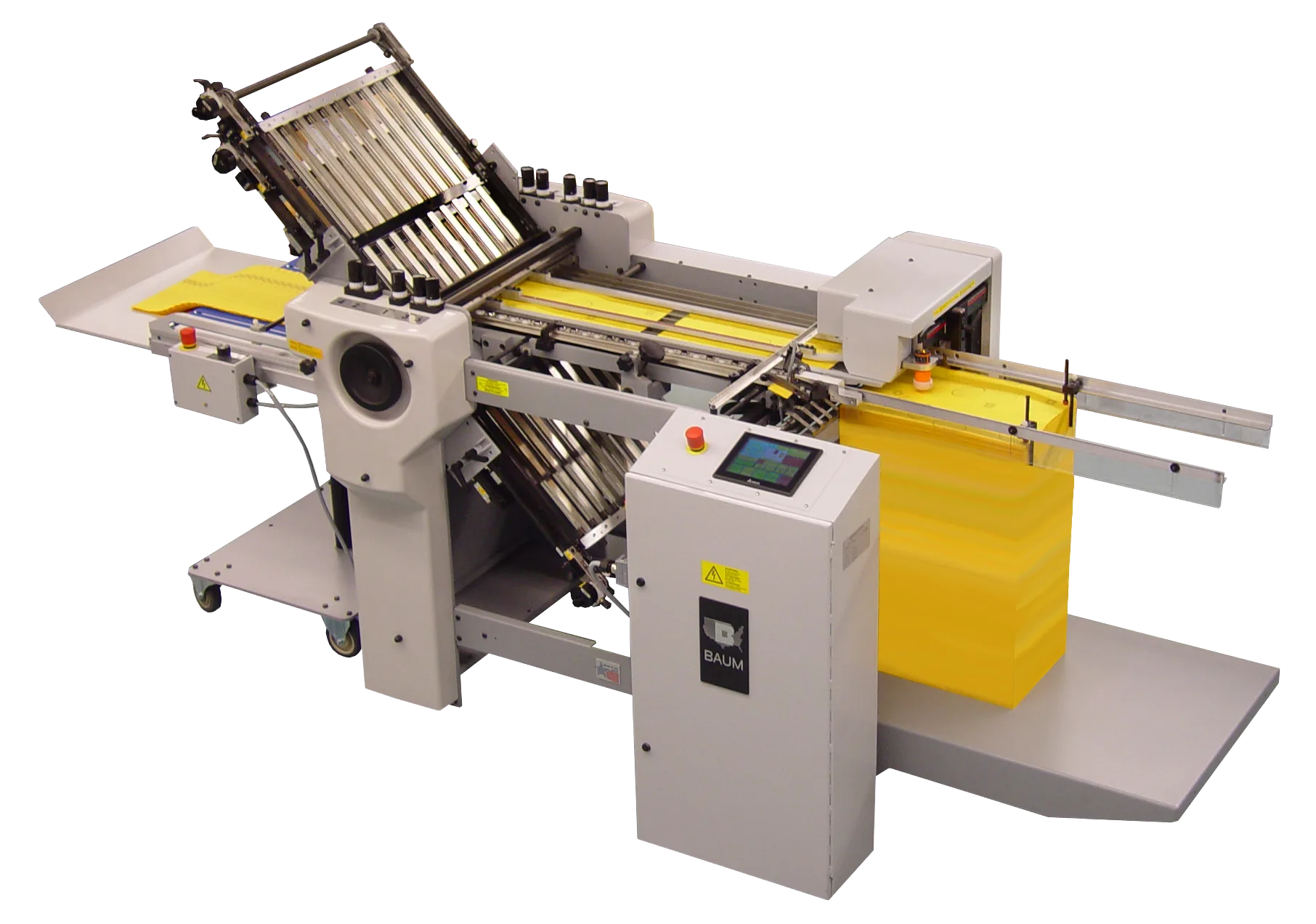
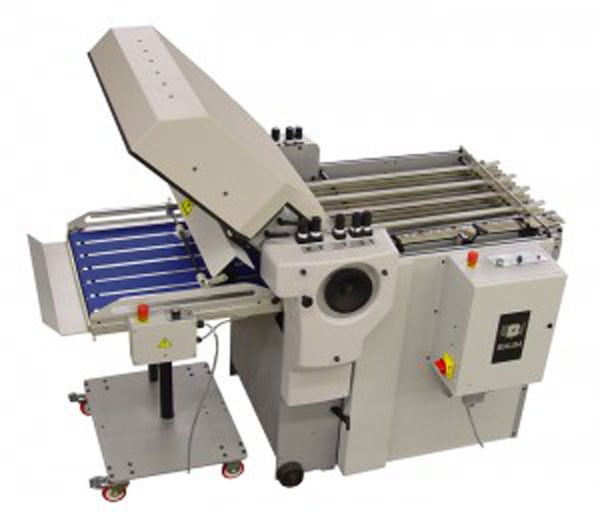
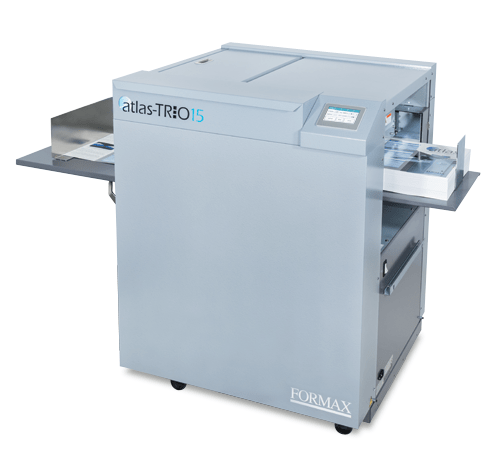
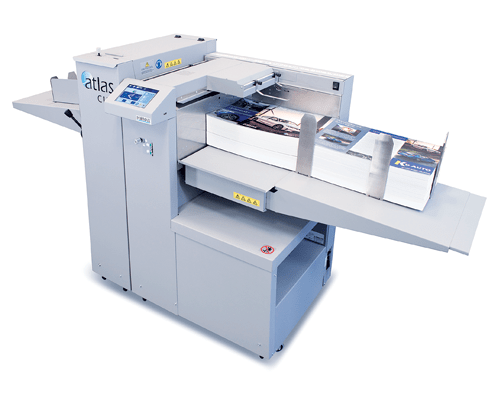
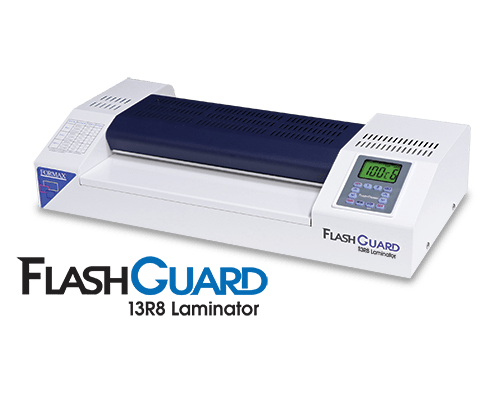
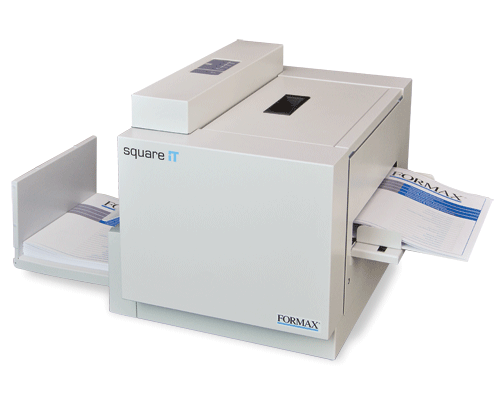
Cut, fold, slit, crease, perforate, laminate, die-cut, and finish printed sheets or rolls using equipment selected around the material, finished format, production volume, and upstream printing process.
Finishing equipment may operate inline with a printer, near-line as part of a coordinated workflow, or offline as a separate production process.
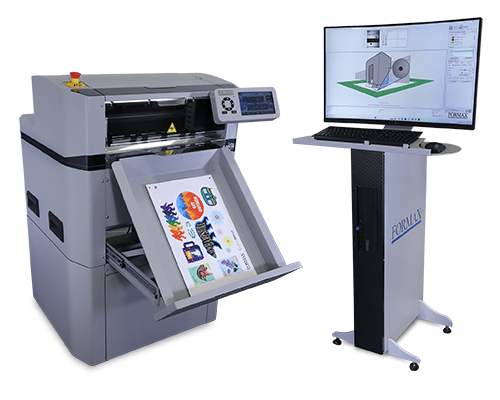
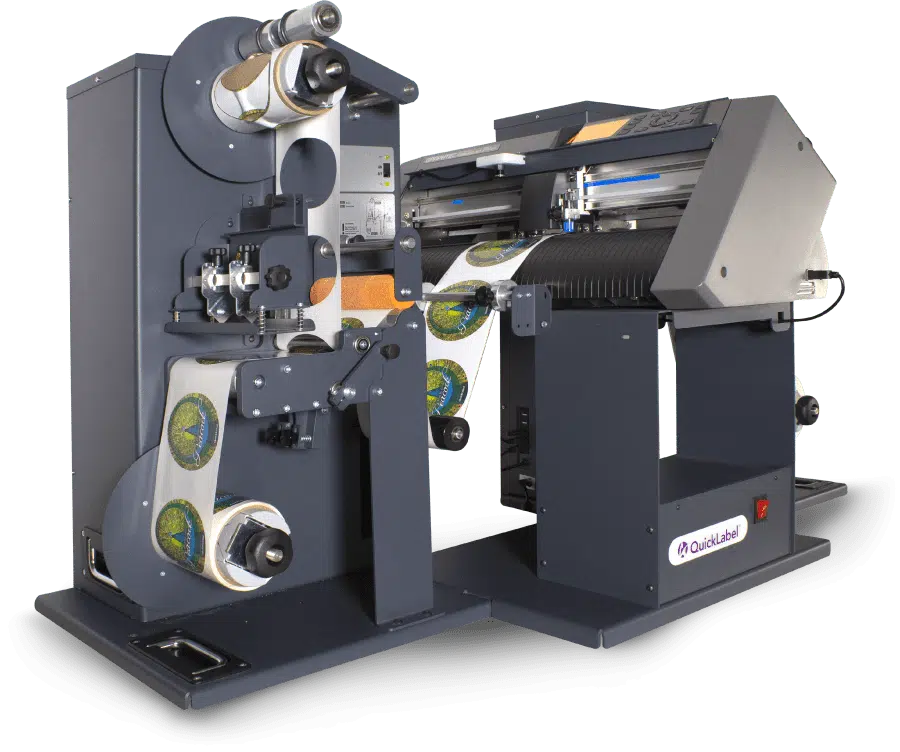
All-in-one label finishing for digitally printed label rolls, including die-cutting, matrix removal, slitting, and rewinding.
AstroNova
LF-100 / LF-200 Label Finishing System
Compact all-in-one label-finishing systems that combine digital die-cutting, optional lamination, matrix removal, slitting, and finished-roll production.
Finishing decisions follow the finished product, not the printer alone.
Printed Material and Format
Define the stock, weight, coating, and whether the work arrives as sheets or rolls, since coated digital output and uncoated offset stock can behave differently through the same process.
Required Finished Product
Identify exactly what the finished piece must be, including fold pattern, trim size, die-cut shape, lamination, or booklet format.
Sheet-Fed or Roll-Fed Workflow
Determine whether material is handled as individual sheets or continuous rolls, and how the material is loaded, delivered, and collected.
Production Volume and Job Changes
Review run length, monthly volume, and how often setups change. Frequent changeovers favor equipment with fast, repeatable setup.
Inline, Near-Line, or Offline Configuration
Decide whether finishing should be connected directly to the printer, positioned nearby as a coordinated step, or run independently on its own schedule.
Related Equipment Pathways
Digital Label Printers
Produce the printed label rolls that label finishing equipment die-cuts, slits, and rewinds.
Explore how artwork, variable data, printing technology, media handling, finishing, inspection, and downstream workflow requirements come together around the completed printed application.
Print finishing and converting equipment prepares printed material for its final use. Printing creates the image, while finishing processes such as cutting, folding, slitting, creasing, perforating, laminating, and die-cutting turn the printed sheet or roll into the finished product.
What is the difference between inline and offline finishing?+
Inline finishing is connected directly to the printer so printed material moves straight into the finishing process. Offline finishing runs as a separate step on its own schedule. Inline reduces handling, while offline can offer more flexibility when jobs vary widely or when the finishing equipment is shared across several printers.
Can finishing equipment be added to an existing printer?+
In many cases finishing equipment can be added near-line or inline, depending on the printer's output, sheet or roll delivery, speed, and available space. Compatibility should be reviewed against the specific printer and the finished product required.
What information does ATP need to recommend finishing equipment?+
Helpful details include the printed material and format, finished product samples, sheet or roll dimensions, run length, monthly volume, how often jobs change, and whether the process should run inline, near-line, or offline.
Complete Your Print-Finishing Workflow
Share what needs to be finished and ATP can help identify appropriate cutting, folding, converting, or label-finishing equipment.