Material Handling & Conveyor Equipment

Inspection, Weighing & Verification Systems

Check package weight, barcode readability, printed patterns, product identity, and workflow integrity before products continue downstream.

Inspection systems may signal an operator, stop the line, sort a product, or trigger a downstream divert when a failed condition is detected.

Explore Material Handling & End-of-Line Automation Solutions

Explore Inspection, Weighing & Verification Systems

Equipment is grouped by the condition being checked so weight, code readability, and visual verification can be evaluated separately.

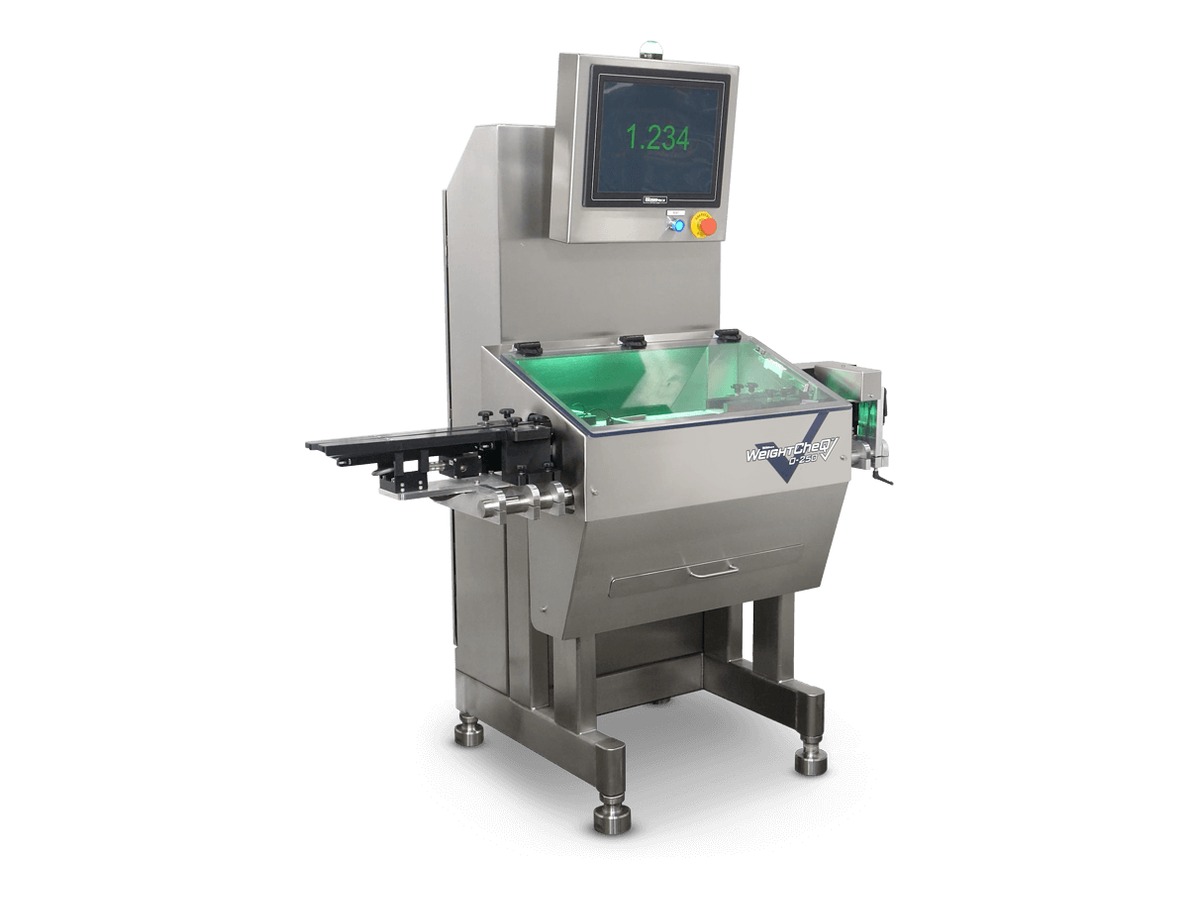
Checkweighing

Dynamic checkweighing equipment for bags, bottles, cartons, and cases in motion.

Integrated Camera Verification

Pattern-matching cameras and transport-based verification for flat media and printed products.

Need to Remove a Failed Product?

Inspection equipment identifies the condition. Removing the item requires a divert or reject device on the transfer and sortation side of the line.

  • Walco DG20 / DG20XL divert gates
  • Kirk-Rudy KR837V divert module
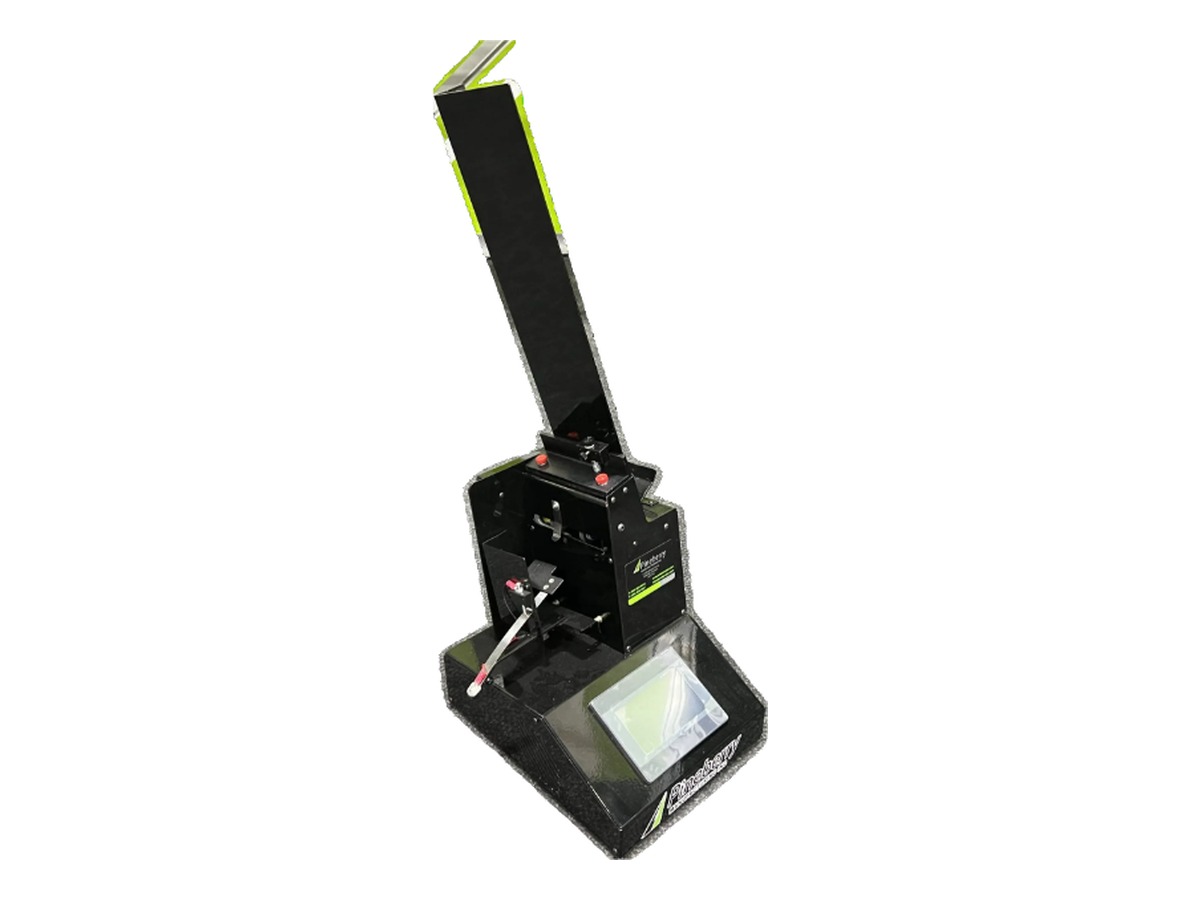
  • Pineberry custom divert configurations
Explore Transfers, Turns & Sortation

Pallet-Level Visibility

Need Dimensions and Documentation at the Wrap Point?

PalletVision adds image capture, pallet dimensions, wrap-condition visibility, Load Health Score feedback, and time-stamped records to an existing stretch-wrapping environment.

Explore PalletVision

What Determines the Right Inspection System?

Five areas usually determine the inspection technology and the response to a failure.

Product and Package

Document the product, package format, dimensions, weight range, and how the item presents to a sensor or camera.

Weight, Barcode, or Visual Requirement

Define exactly what must be confirmed and the tolerance or condition that constitutes a pass.

Production Speed and Product Spacing

Review line speed and the gap between products available for the measurement or read.

Pass, Fail, Sort, or Reject Response

Determine whether a failure should alarm, stop the line, sort the product, or trigger a divert.

Data Records and Existing Controls

Identify what must be recorded, who reviews it, and how the system connects with existing line controls.

Related Equipment Pathways

Transfers, Turns & Sortation

Divert, reject, and route products after an inspection result.

Explore Transfers, Turns & Sortation

Coding & Marking Equipment

Apply the codes, dates, and identification that inspection equipment later verifies.

Explore Coding & Marking Equipment

Labeling & Print-and-Apply Equipment

Print and apply labels that must be scanned, verified, and tracked downstream.

Explore Labeling & Print-and-Apply Equipment

Material Handling & End-of-Line Automation

See how inspection fits within conveying, routing, pallet handling, and documentation.

Explore Material Handling & End-of-Line Automation

Integrated Systems

Connect cameras, scanners, weighing, diverts, data, and line controls into one workflow.

Explore Integrated Systems

Related Solution

Material Handling & End-of-Line Automation

Explore how conveying, accumulation, routing, inspection, pallet handling, documentation, and downstream workflow requirements work together across the final stages of production.

Integrated Systems

Connect conveyors and handling equipment with printing, coding, labeling, packaging, inspection, robotics, data, and line controls.

Explore Integrated Systems

Service & Support

Request installation, training, preventive maintenance, troubleshooting, and repair support for eligible material-handling equipment.

Explore Service & Support

Frequently Asked Questions

What is an inline checkweigher?

An inline checkweigher weighs a package while it moves through production and compares the result against an approved tolerance so an out-of-range package can be identified.

What is barcode verification?

Barcode verification evaluates whether the expected code is present and readable. Depending on the system, the result may be reported, recorded, or used to signal a downstream action.

Can an inspection system automatically reject a failed product?

In many configurations an inspection system can signal a divert module or reject device. The response depends on product spacing, line speed, control integration, and where the failed item should go.

What information does ATP need to recommend an inspection system?

Helpful information includes the product and package, the condition being checked, production speed and spacing, the required response to a failure, data or record-keeping needs, and the existing line controls.

Confirm the Product Before It Ships

Describe the product, the condition that must be verified, and what should happen when an item fails, and ATP can help identify an appropriate inspection approach.
  • Product and package format
  • Condition being verified
  • Weight range or tolerance
  • Line speed and product spacing
  • Required response to a failure
  • Data and record-keeping needs
  • Existing line controls
  • Photographs, video, or samples