Labeling & Print-and-Apply Equipment

Print-and-Apply Labeling Systems

Print changing text, barcodes, shipping data, order information, and product identifiers, then apply the completed label during the same automated production cycle.

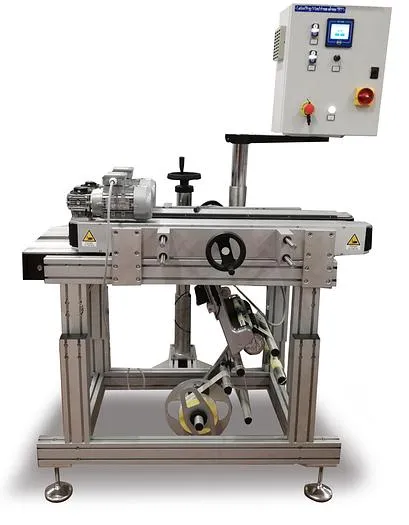
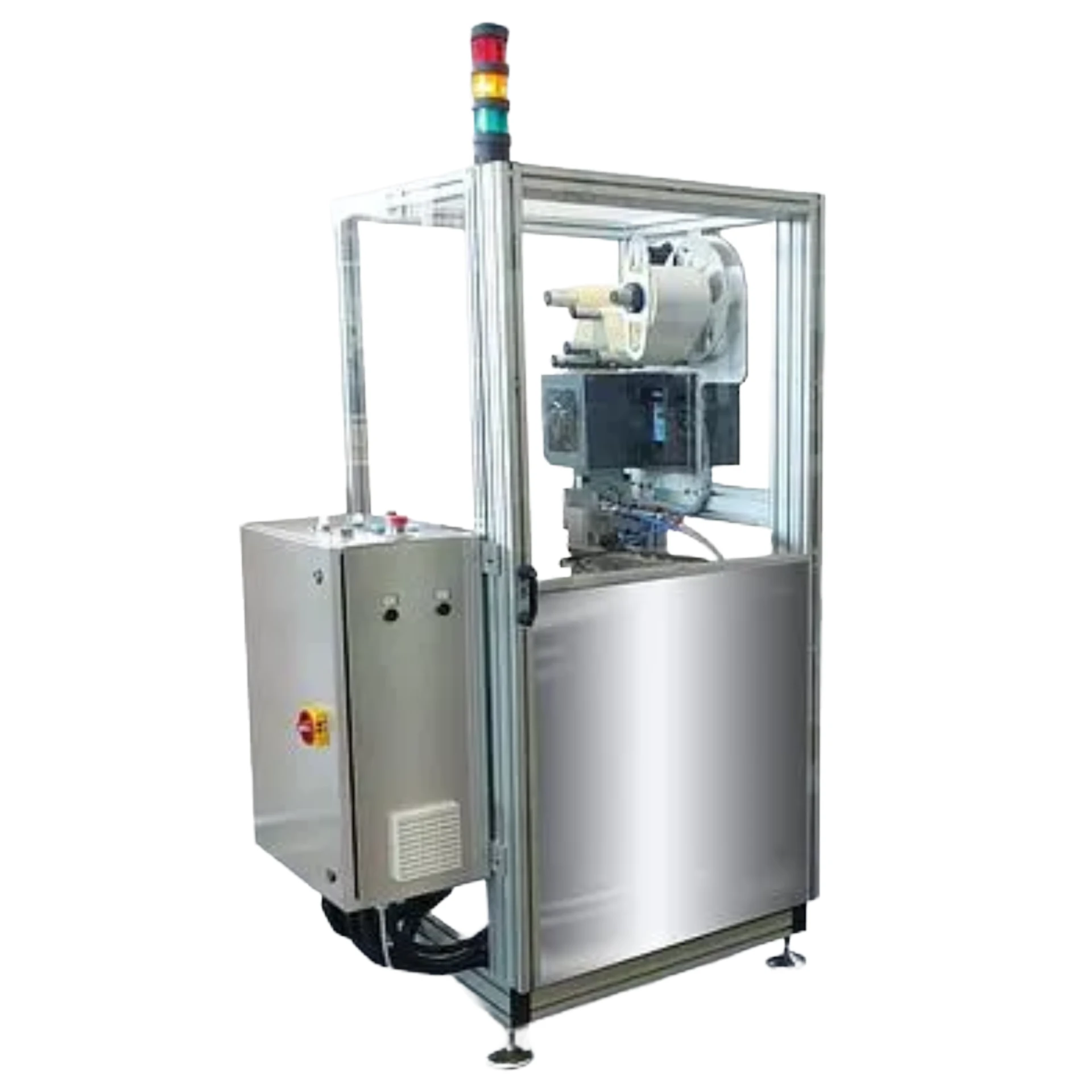
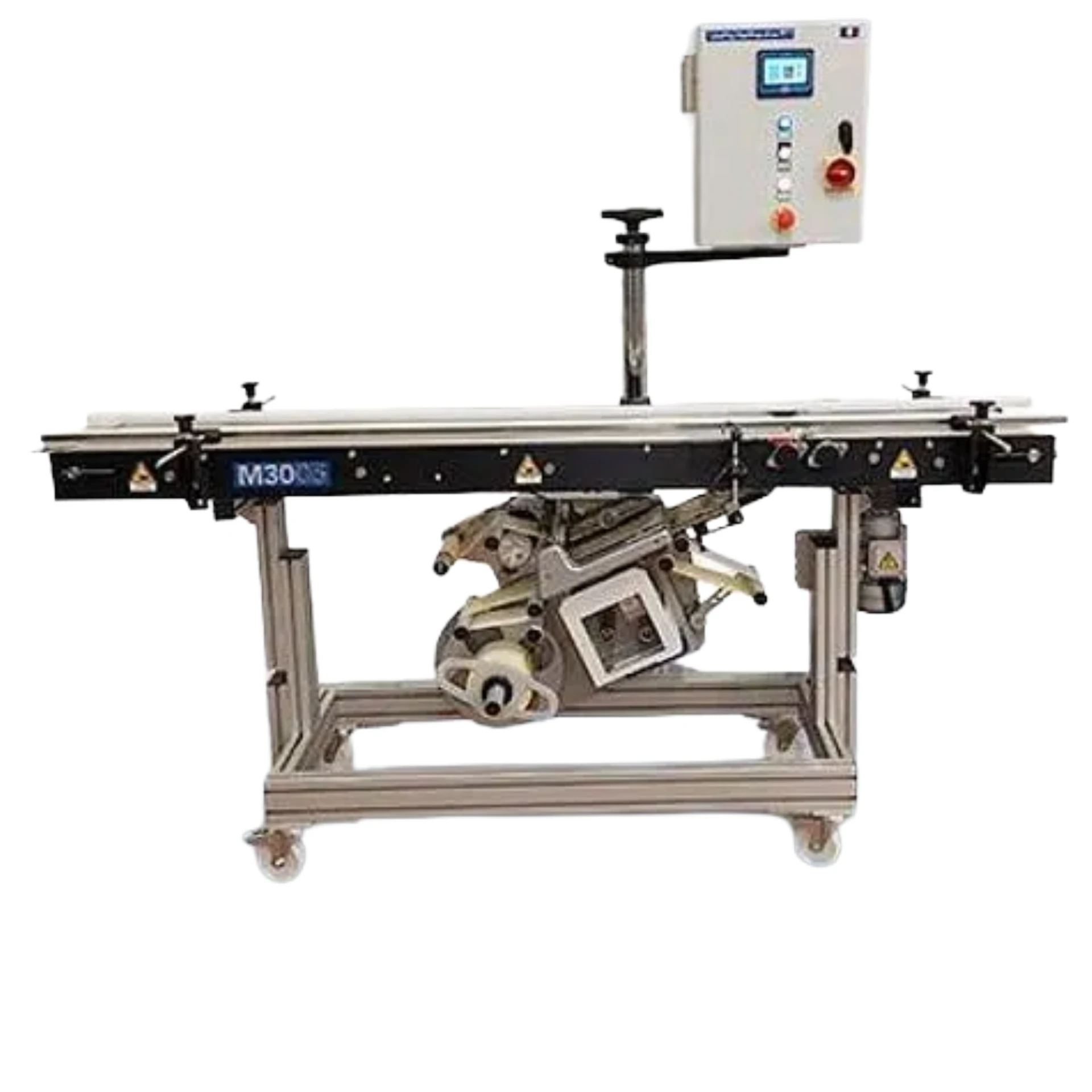
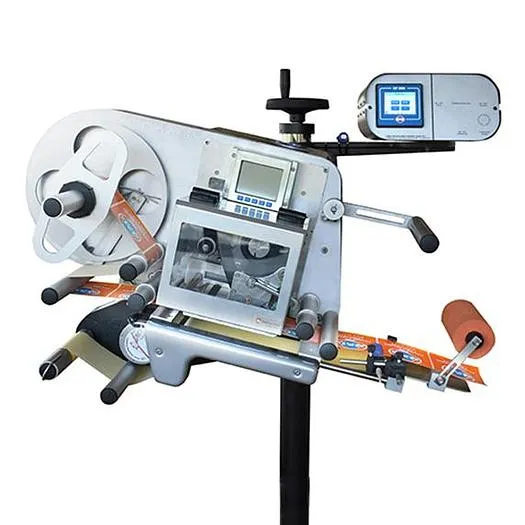
Pineberry print-and-apply systems can be configured around products, bags, pouches, cases, shipping containers, and pallet loads.

Explore Labeling & Print-and-Apply Solutions

Explore Print-and-Apply Labeling Systems

These Pineberry-integrated configurations cover bag, pouch, package, case, and pallet applications.

Pineberry Print-and-Apply Systems

Each configuration combines label printing with product handling suited to the package and the required application panel.

What Determines the Right Print-and-Apply System?

Five areas usually define the configuration before equipment is compared.

Variable Label Content

Define what changes on each label, how much content the format must hold, and whether barcodes must be scannable or verified after printing.

Product, Package, Case, or Pallet

Identify what receives the label, including its dimensions, surface, weight, and how stable it is as it reaches the application position.

Label Size and Application Position

Confirm the label dimensions and whether it is applied to the top, side, bottom, corner, or multiple panels of the item.

Production Data and Connectivity

Establish where label data originates, how records are matched to products, and how label formats and job changes are managed.

Conveyor, Scanning, and Verification Requirements

Review conveyor speed, product spacing, and whether scanners or cameras must confirm the applied label before the item continues.

Related Equipment Pathways

Case, Carton & Pallet Labeling Systems

Explore end-of-line systems for cartons, cases, shipping containers, and completed pallet loads.

Explore Case, Carton & Pallet Labeling Systems

Product & Container Labeling Systems

Review preprinted-label systems when the content does not change from product to product.

Explore Product & Container Labeling Systems

Material Handling & Conveyor Equipment

Address transport, accumulation, spacing, and load presentation around the labeling station.

Explore Material Handling & Conveyor Equipment

Integrated Systems

Connect print engines, applicators, conveyors, scanners, and production data into one coordinated workflow.

Explore Integrated Systems

Related Solution

Labeling & Print-and-Apply Solutions

Explore how products, labels, application methods, variable data, line speed, inspection, and downstream processes determine the appropriate labeling approach.

Integrated Systems

Connect label applicators, print engines, feeders, conveyors, scanners, cameras, production data, verification, and line controls into a coordinated workflow.

Explore Integrated Systems

Service & Support

Request installation, training, preventive maintenance, troubleshooting, and repair support for eligible labeling equipment.

Explore Service & Support

Frequently Asked Questions

What is a print-and-apply system?

A print-and-apply system prints variable information onto a thermal label and then transfers that completed label onto a product, package, case, or pallet within the same automated cycle. The printer, applicator, product handling, production data, and inspection process are evaluated together.

What information can a print-and-apply system print?

Typical content includes product descriptions, order and job numbers, dates, lot or batch codes, weights, counts, routing information, and linear or 2D barcodes. The exact content depends on the label format and the data made available to the system.

Can print-and-apply equipment connect with shipping software?

In many installations the label data originates from an external system such as an ERP, WMS, or order-management application. Whether a specific connection is practical depends on the data format, the network environment, and how label formats and triggers are managed.

What information does ATP need to evaluate the application?

Useful details include what must appear on the label, the label size and material, the item being labeled, the required application panel, line speed, where the data comes from, and any scanning or verification requirements.
Discuss Your Print-and-Apply Application

Tell ATP what the label must carry, where it has to land, and how the item moves through production, and the right configuration becomes much easier to identify.

  • What needs to be labeled
  • Product or package dimensions
  • Product shape and surface
  • Label size and construction
  • Required label placement
  • Production speed
  • Preprinted or variable data
  • Existing equipment
  • Verification requirements
  • Photographs, video, or samples